


Inkscape Text Tricks Example Screenshots
These screenshots show the per-character text and font options in Inkscape as explained in this accompanying article.
Step 5 - Selecting "sample"
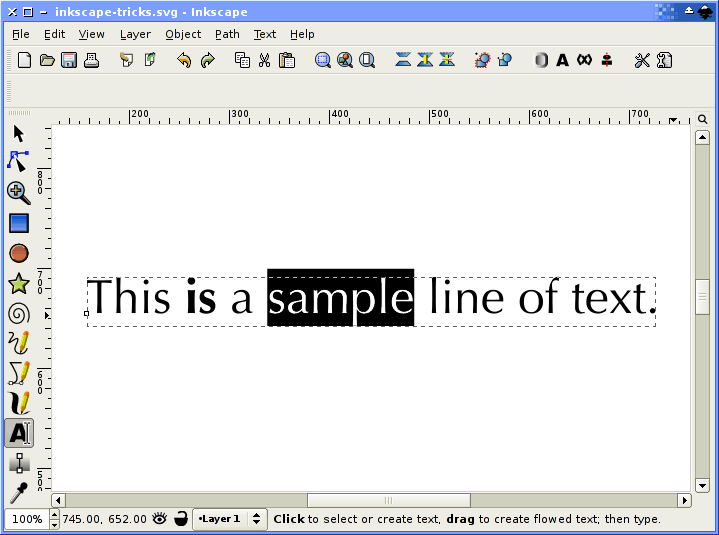
Selecting the word "sample" so we can apply a transformation to it.
| << Previous | 5 of 20 | Next >> |
| Return | ||
Related websites
Check out these Inkscape related websites: